Best apps for cab bike delivery partners
Best App Setup for Cab, Bike Taxi, and Delivery Partners
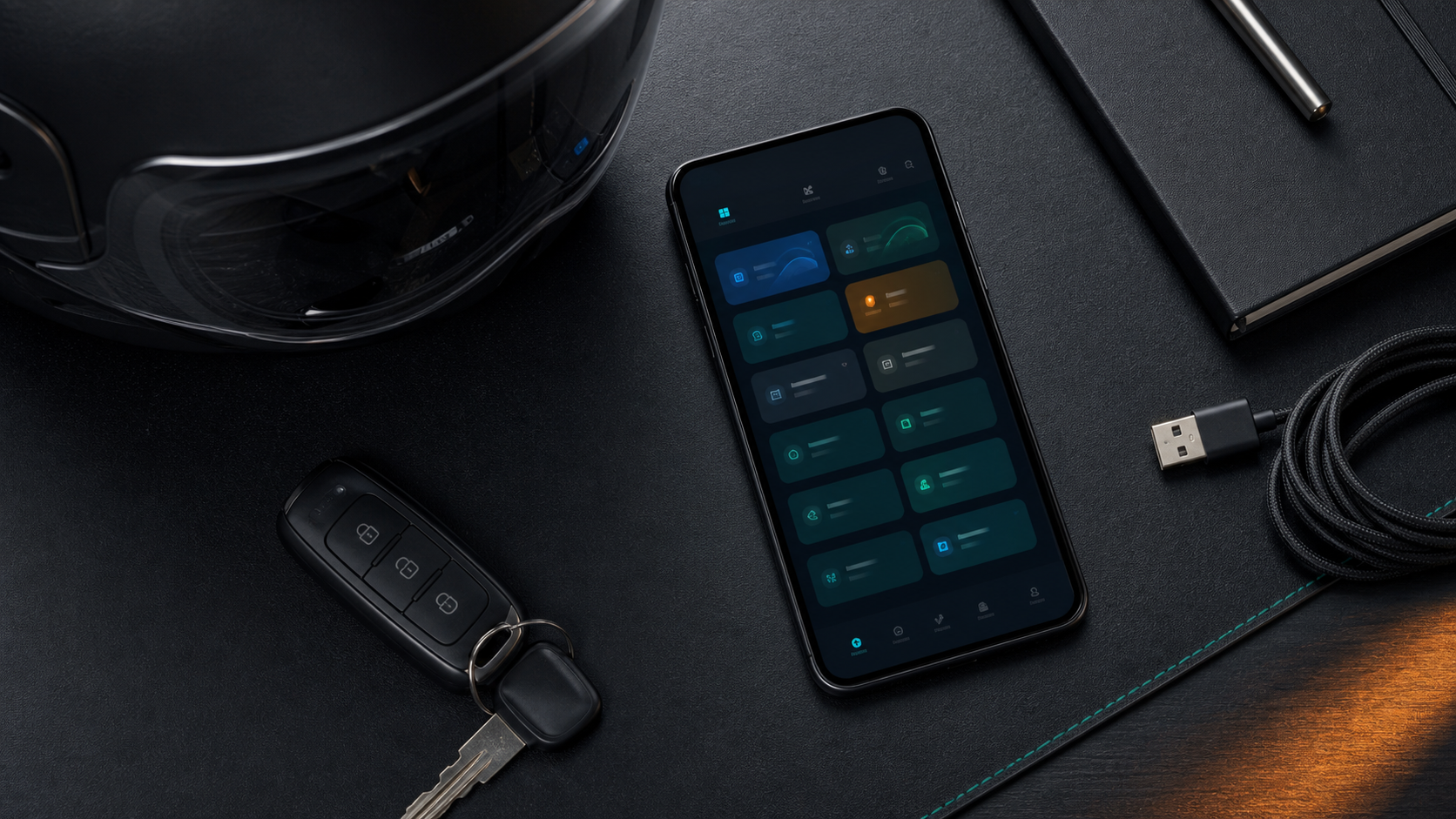
The best driver app setup is not the one with the most platforms. It is the one that keeps the right platforms active for your city, time, vehicle, and earning pattern.
Most drivers do not work with only one app anymore. A cab driver may keep Ola and Uber ready. A bike taxi rider may check Rapido when demand is high. A delivery partner may move between Swiggy, Zomato, Blinkit, Zepto, BigBasket, Porter, or other platforms. The best app setup is the one that keeps work organized without turning the phone into a notification storm.
Group your platforms by work type
Start by thinking in categories. Cab and auto platforms behave differently from food delivery apps. Grocery and quick commerce apps behave differently from logistics apps. Rider Accept supports this kind of organized view by showing a clear platform list. When the driver can see apps as groups, the day becomes easier to plan.
For example, a driver may focus on cab rides during morning commute, delivery during lunch, and grocery or logistics work during slower hours. The app setup should match that rhythm instead of treating every platform equally all day.
Keep only useful apps active
More apps do not always mean more income. Too many active platforms can create distraction, battery drain, and missed decisions. If an app rarely gives useful bookings in your zone, do not keep it active just because it is installed. Use Rider Accept's supported-apps screen to focus on the platforms that actually matter for your route.
This habit is especially important for drivers who use a mid-range Android phone. Background activity, screen brightness, maps, calls, and platform apps can all consume resources. A clean setup is often more reliable than a crowded setup.
Match platforms with location
Every city has platform patterns. One area may be strong for Ola, another for Uber. Rapido may be better near colleges and metro stations. Swiggy and Zomato may perform well near restaurant clusters. Blinkit and Zepto may be stronger near dense residential zones. Porter and logistics apps may depend on markets and business areas.
Rider Accept helps by making platform monitoring easier, but the driver still needs local judgment. The best app setup changes with location, time, and demand.
Use fare filters with platform choice
Fare filters become more useful when they match the platform type. A delivery order, a bike taxi ride, and a cab ride should not be judged exactly the same way. Distance, waiting time, pickup location, and return route all matter. Use a fare range that fits the work you are doing right now.
If you are focused on delivery, waiting time and short-distance efficiency may matter more. If you are focused on cab rides, pickup distance and traffic may matter more. If you are doing logistics, loading time and destination area may matter more.
Review the day, then adjust tomorrow
A good app setup is not permanent. Use history to understand what worked. If one platform gave better fares at a certain hour, remember it. If another platform created too much waiting, reduce focus there. If your filter was too strict, loosen it. If alerts were too noisy, narrow the selected apps.
Rider Accept gives drivers a practical place to do this review. It is not about complicated reports. It is about seeing the day clearly enough to make tomorrow better.
Keep your home screen clean
A small phone organization habit can help a lot. Keep your main driver apps on the first home screen, keep maps and phone dialer easy to reach, and remove apps that distract during work. If you use two SIM cards, confirm which one has the stable data connection in your work zone. Keep enough storage free so platform apps can update and run without lag.
Rider Accept handles the monitoring dashboard, but the rest of the phone still matters. A clean app setup, stable internet, and visible permissions make the whole system feel more professional.
When to switch platform focus
Switch focus when the city changes around you. Morning office routes may suit cab or bike taxi work. Lunch and dinner hours may suit food delivery. Dense residential evenings may suit grocery and quick commerce. Market areas may suit logistics. Instead of keeping every app equally active all day, choose a working mode for the next few hours and let Rider Accept support that mode.
This keeps the phone calmer and makes decisions easier. Drivers who plan by time block often feel more organized than drivers who react to every notification at once.
Final setup advice
The best app setup for cab, bike taxi, and delivery partners is simple: use the platforms that fit your city, keep permissions ready, set a realistic fare filter, avoid unnecessary active apps, and review history. Rider Accept brings these controls into one premium Android dashboard so the driver can work with less confusion and more focus.
As your routine improves, your app setup should become smaller and sharper. The goal is not to show every possible alert. The goal is to surface the alerts that fit your route, timing, and earning plan while keeping the phone stable through the full shift.
Quick FAQ
Can one driver app support different work types? Yes, if the app separates platform selection and keeps the dashboard clear. Rider Accept is built for cab, bike taxi, delivery, grocery, and logistics workflows.
What is the best setup for a new driver? Start small. Select two or three reliable platforms, work through a normal shift, review history, and then add more apps only when they improve results.