Fare filter strategy delivery drivers
Fare Filter Strategy for Delivery and Ride Drivers
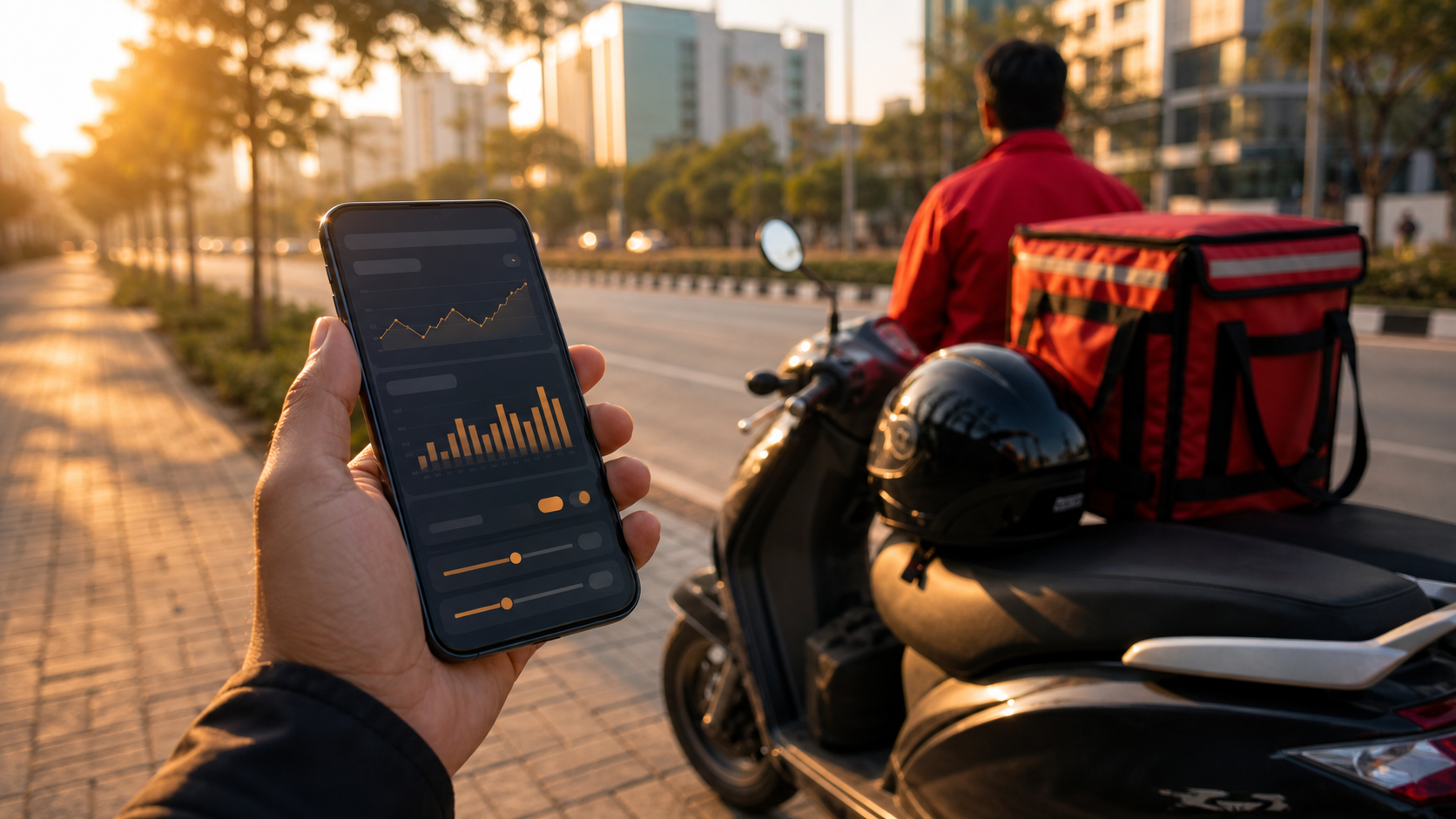
Use fare filters as a flexible work tool. Start with your real cost, test during a normal shift, then adjust using accepted and skipped ride history.
Fare filters sound simple: choose a minimum fare and avoid weak orders. In real driver life, the decision is more personal. A Rs 120 booking can be excellent in one area and useless in another. A short food delivery can be profitable during lunch rush but frustrating in heavy rain. Rider Accept gives drivers a fare range control, but the real benefit comes from using it with a strategy.
Start with your cost, not your wish
Every driver wants better fares. The first step is knowing your real cost. Fuel, charging, vehicle maintenance, platform waiting time, traffic, parking, and return distance all matter. If you set the minimum fare without thinking about cost, the filter may look good but still produce poor results.
For cab and auto drivers, pickup distance and traffic signals can change the value of a booking. For bike taxi and delivery partners, waiting time at restaurants or stores can be the hidden cost. A practical fare filter should protect your time, not only your fuel.
Use different thinking for different hours
Morning office hours, lunch delivery rush, evening commute, late-night airport rides, and weekend shopping zones do not behave the same way. A single fare filter may not be perfect all day. Start with one sensible range, then adjust when you understand your city pattern.
Rider Accept helps because the dashboard makes the selected range visible. You do not need to remember what you set last week. You can look, adjust, work, and then review the results in history.
Do not make the filter too strict too early
New users often set a high minimum fare immediately. That can reduce bad orders, but it can also reduce useful orders. If the app becomes too selective, the driver may wait longer and lose momentum. A better approach is to start with a moderate filter, work through a normal shift, and then make small changes.
The goal is not to reject everything. The goal is to reduce distraction and keep attention on rides that match your plan. Good filtering feels calm. Bad filtering feels like silence followed by panic.
Use history to improve the range
The history screen is where your filter becomes smarter. Look at accepted and skipped activity. If many accepted orders still feel weak, raise the minimum slightly. If too many useful orders are being skipped, lower the minimum or review the maximum range. If one platform performs better in a certain area, use that knowledge during the next shift.
Drivers who review history weekly usually understand their zones better. You do not need complex charts. Simple data like platform, fare, status, and time can show patterns that memory misses.
Delivery drivers need waiting-time awareness
For delivery partners, fare alone is not the full story. A restaurant with slow preparation can turn a good payout into a poor hour. A grocery pickup with long packing time can do the same. Your fare filter should be combined with local knowledge. If one area always creates delays, set your expectations accordingly.
Rider Accept cannot know every local delay by itself, but it gives you the control panel to make faster choices. The driver still brings experience. The app supports that experience with structure.
Change filters with the market
Weather, festivals, cricket matches, salary week, school timing, and office rush can all change demand. On some days a lower fare may still be worth it because the delivery route is quick. On other days a higher fare is needed because traffic and waiting time are heavy. Treat the fare filter as a working tool, not a permanent rule.
A weekly review is enough for most drivers. Look at your accepted orders, skipped orders, and the hours where you waited too long. Small changes based on real history usually work better than emotional changes made after one bad booking.
Example filter routine
Start the morning with a moderate minimum fare because office rush can produce short but useful rides. During slow afternoon hours, reduce unnecessary platform noise and focus on areas where you know pickups are faster. In evening traffic, raise the minimum slightly if long waiting time is common. After rain or surge demand, review the range again because the market has changed.
This is not a fixed formula. It is a way of thinking. Rider Accept gives the fare range and history tools; the driver adds local knowledge. That combination is stronger than a random high minimum fare.
Final advice
A strong fare filter strategy is flexible. Start with cost, observe the city, avoid extreme settings, and review history. Rider Accept is useful because it keeps the range, service status, platforms, and history in one place. For delivery and ride drivers, that kind of simple discipline can improve the entire working day.
The best drivers treat data as feedback, not pressure. If a filter setting does not work, change it calmly and test again. Over time, this habit can reveal which hours, zones, and platforms match your vehicle and earning target.
Quick FAQ
Is a higher minimum fare always better? Not always. A very high minimum can reduce weak orders, but it can also create long waiting time. The best filter is based on your city and shift.
Should delivery and cab filters be the same? Usually no. Delivery work has restaurant or store waiting time, while cab work depends more on pickup distance, traffic, and destination area.