Ride auto accept app India
Ride Auto Accept App in India: Practical Guide for Drivers
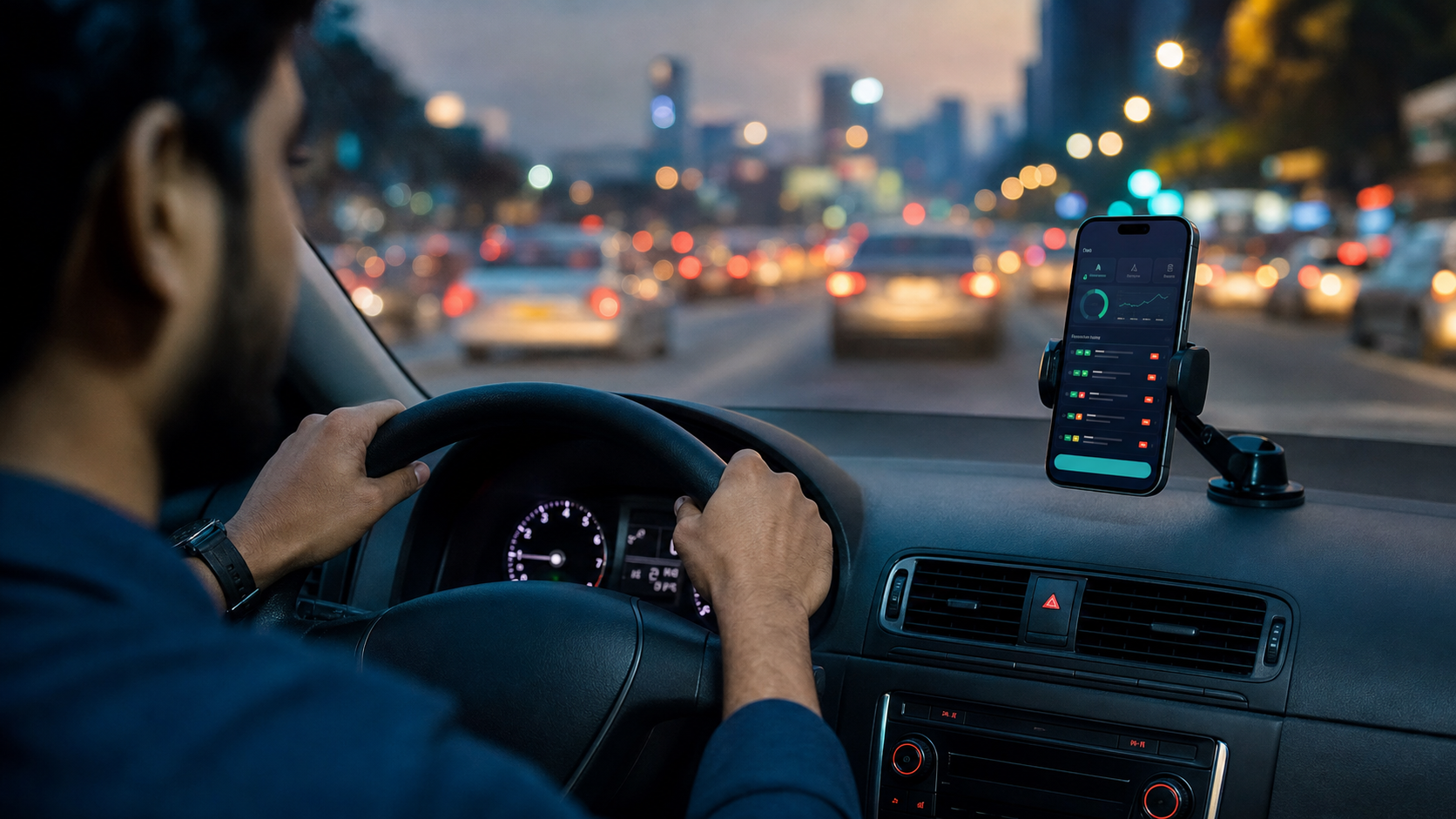
A ride auto accept app in India should help drivers monitor alerts, control fare filters, check Android permissions, and review ride history without making the phone more confusing during work.
Indian drivers work inside a noisy app environment. One hour can include Ola alerts, Uber trips, Rapido requests, food delivery notifications, grocery orders, and customer calls. A ride auto accept app is useful only when it reduces that noise instead of adding another confusing layer. Rider Accept is built around that simple idea: keep the important controls visible, keep the workflow fast, and help the driver make fewer rushed decisions.
What a ride auto accept app actually solves
The biggest problem is not only missing a booking. The bigger problem is missing the right booking while looking at the wrong screen. Drivers often switch between multiple platforms, check fare value, look at pickup distance, and still need to keep the phone stable while moving through traffic or waiting at a stand. A ride auto accept app in India should help by putting service status, fare limits, app selection, permissions, and recent activity in one place.
Rider Accept does not try to make the driver depend on guesswork. The dashboard shows whether the service is running, whether a plan is active, what fare range is selected, and which permissions need attention. That is important because automation becomes risky when the driver cannot see what is happening. A clean interface is not just a design choice; it is part of the daily workflow.
Why fare filters matter
Every driver has a different profitable ride. A short trip can be useful in one city and a waste of time in another. A delivery order with a low payout may still make sense if it is near a hot zone. That is why fare filters are one of the most important features in any auto ride booking app. Instead of treating every alert the same way, Rider Accept lets the driver focus on a minimum and maximum fare range.
This is helpful for drivers who work across peak hours, rain demand, airport pickups, or food delivery rush periods. The goal is not to chase every order. The goal is to stay disciplined. When your fare filter is clear, you spend less mental energy checking low-value alerts and more time watching the road, the pickup location, and the next useful move.
Permissions should be easy to understand
Most Android ride assistant apps need permissions such as Accessibility, overlay, notifications, and battery optimization changes. Many drivers get stuck here because Android settings are different across brands like Samsung, Xiaomi, Vivo, Oppo, Realme, and OnePlus. Rider Accept keeps permission checks visible so the driver can see what still needs setup.
A useful product page should explain the real app and the real setup in plain language. If a driver searches for a ride auto accept app in India, they usually want to know whether the app fits their daily routine, what permissions are needed, and how it helps them avoid missed alerts.
Who should use Rider Accept?
Rider Accept is useful for cab drivers, bike taxi riders, auto partners, delivery workers, grocery partners, and logistics drivers who manage multiple platforms. It is especially useful when one phone is used for work all day and the driver wants one place to check service status and booking history.
The app is not a magic income button. A good driver still needs local knowledge, timing, fuel planning, and customer handling. What the app can do is support the repetitive part of the workflow: monitoring, filtering, permission checking, and reviewing what happened during the day.
How to use it during a real shift
A practical routine is simple. Before leaving home, charge the phone, open Rider Accept, confirm permissions, select the work apps you want to monitor, and check the fare range. During the shift, keep the service status visible and avoid changing too many settings while moving. After the shift, open history and look for patterns. If low-value alerts kept appearing, adjust the minimum fare. If good alerts were missed, review battery and notification settings.
This routine is better than installing an app and expecting it to solve every problem automatically. The driver stays in control, while the software handles the repeated checks that are easy to miss during busy hours.
Search intent: what drivers usually want to know
Most people searching for a ride auto accept app are not looking for a long technical document. They want to know three things quickly: does it support the apps they use, does it need root, and can it help them avoid missed alerts? A good landing page or article should answer these questions clearly. That is why Rider Accept's website connects the product page with practical guides instead of only showing marketing claims.
This also helps discovery because the article has clear headings, internal links, and practical explanations. Drivers can read the page and understand the actual setup before installing the APK.
Final thoughts
A premium ride auto accept app should feel calm, readable, and honest. Rider Accept focuses on that practical standard. It brings alerts, fare filters, platform monitoring, permissions, and history into a single Android dashboard so Indian drivers can work with more control. If your day depends on fast decisions across multiple apps, this kind of organized workflow can make the phone feel less chaotic.